You never realize how certain things carry into all aspects of life. For example, how people with disabilities have obstacles to face not only in the real world but in the technological one too. This week in my web design class, I was reminded of the importance of considering everyone’s differences.
To break it all down, web accessibility is designing your website to be usable for as many people as possible. Continue reading to see how I plan for my web project accessible.
WHAT’S ON MY AGENDA
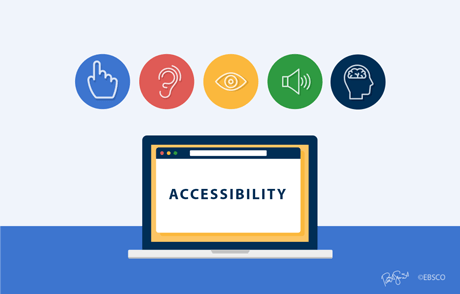
To ensure that I consider all disabilities I will hit each category:
- Auditory disabilities– for this one I will keep in mind to not rely on the sound of included media to convey the message. I will have features like text transcripts of audio, live captions when there’s live audio, and make sure the page isn’t limited to voice interaction only.
- Cognitive– To respect those with cognitive disabilities, I will utilize simpler text that is compromised with illustrations, consistent labeling to suggest organization, and options that avoid distracting content.
- Physical– someone with a physical disability might be someone without functioning hands, so in this case I could emphasize on more hands-free interaction on my site. I will focus heavily on a lot of keyboard support functions.
- Speech– people with a speech disability have trouble with voice based programs. As a solution, I will include alternate options for things that require voice. This should not be hard since it is common for text based chats or functions to be available.
- Visual– Those with a visual disability might suffer with low vision, blindness, or color blindness. To accommodate to them on my site I could try to provide a screen reader or a screen magnification technique.
Content adapted from: https://www.w3.org/WAI/people-use-web/abilities-barriers/#speech and https://www.washington.edu/accesscomputing/sites/default/files/30-Web-Accessibility-Tips.pdf
 Croc Queen G's bLoG